
AI for Designers to Create, Automate & AccelerateTraining in Malaysia
Create images, editable vectors and page layouts with Photoshop, Illustrator and InDesign. Use Claude Code and OpenAI Codex through MCP to automate supported tasks, with Adobe Firefly for creative ideation.
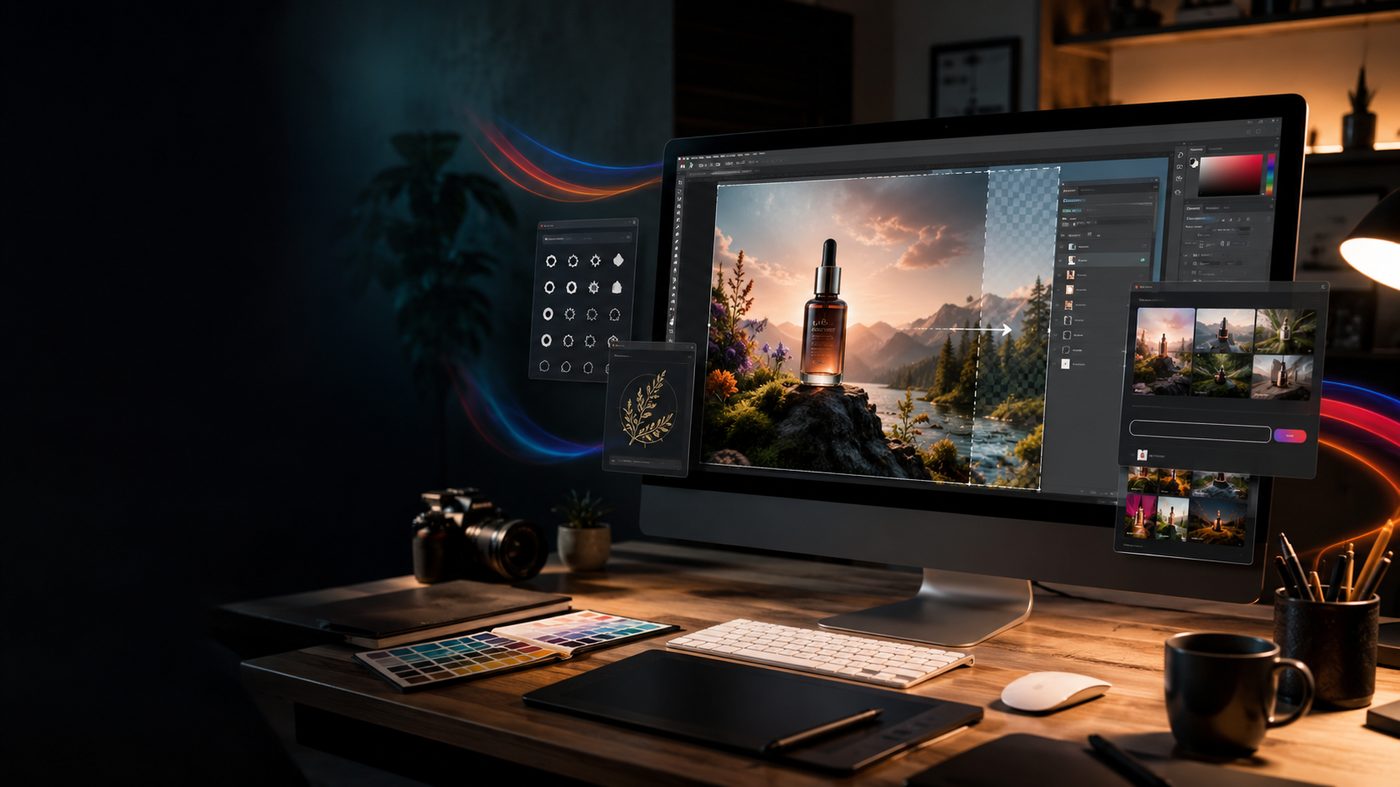

Brainymation Studio runs a 2-day AI design and MCP automation course in Malaysia. Photoshop, Illustrator, InDesign, Claude and Codex. HRD Corp claimable.
Overview
Course Overview
A practical two-day programme combining Adobe's generative AI with natural-language automation. Create images in Photoshop, develop editable vectors in Illustrator and build page layouts in InDesign.
Use Claude and OpenAI Codex through Model Context Protocol (MCP) connections to organise documents, apply repeatable edits and prepare deliverables. Bring these skills together in a complete campaign project.
Day 1 covers Photoshop, Illustrator and MCP automation. Day 2 brings in InDesign, Firefly and an integrated campaign project: editable artwork, a two-page promotional brochure, a campaign PDF, social images and a reusable MCP prompt checklist.
AI creation and automation across three Adobe apps
Choose this two-day course if you already use Photoshop and Illustrator and want to add InDesign layouts plus supported MCP automation with Claude Code and Codex. Basic InDesign skills are recommended.
Consider the one-day AI for Designers course if you want to focus on Adobe generative tools in Photoshop, Illustrator and Firefly.
Audience
Who Should Attend
Graphic designers, art directors, marketing creatives, content creators and in-house design teams. Working knowledge of Photoshop and Illustrator is expected; basic InDesign skills are recommended.
Designers & Art Directors
- Practising designers, art directors and creative producers
- In-house designers at brands and agencies
Marketing Creatives & Content Creators
- Marketing creatives, photographers and illustrators
- Content creators producing daily brand visuals
In-House Design Teams
- Freelancers looking to increase output without adding hours
- Studio owners who need faster concept-to-client turnaround
Creative Team Leads
- Creative team leads upskilling their teams on AI-assisted workflows
- Managers standardising an AI-assisted design process
Learning Outcomes
What You Will Learn
Write Visual Prompts
Write visual prompts with clear style, composition and brand requirements.
Create Photoshop Images
Retouch, generate and extend images using Photoshop's AI tools.
Develop Editable Vectors
Generate, edit and recolour vector artwork in Illustrator.
Build InDesign Layouts
Build InDesign layouts using styles, linked assets, Text to Image and Generative Expand.
Connect Claude and Codex
Connect Claude and Codex to Photoshop, Illustrator and InDesign through configured MCP servers.
Automate and Verify
Use MCP tools for supported layer, object, text and layout tasks, then verify the results.
Create a Coordinated Campaign
Combine Firefly concepts, edited images and vectors in a coordinated campaign.
Check Files Before Delivery
Check editable files, image quality, links and PDF output before delivery.
Curriculum
Two-Day Course Outline
Day 1: Photoshop, Illustrator and MCP automation
Module 1: AI Briefs, Prompts and MCP Setup
- Turn a design brief into prompts with style, composition and output constraints.
- Connect Claude and Codex to app-specific MCP servers; check the available tools.
- Distinguish Adobe AI features from MCP actions; review changes and save versions.
Module 2: Photoshop AI Image Creation
- Generative Fill and Generative Expand for image editing and new formats.
- Subject selection, masking and Remove tool for cleaner compositions.
- Refine generated variations and prepare layered campaign artwork.
Module 3: Photoshop with Claude and Codex
- Use MCP to inspect the document and work with layers.
- Prompt supported edits, layer organisation, resizing and export tasks.
- Review the image and saved output after each automation step.
- Practice: Run the same image-preparation task with each assistant through MCP.
Module 4: Illustrator AI Vector Design
- Text to Vector Graphic and Generative Shape Fill for editable artwork.
- Generative Recolor and Text to Pattern for coordinated visual variations.
- Clean paths and groups; prepare artwork for print and digital layouts.
Module 5: Illustrator with Claude and Codex
- Use MCP to inspect objects, organise layers and manage artboards.
- Prompt supported colour, text, alignment and duplication tasks.
- Export a consistent vector asset set for the campaign.
- Practice: Create artwork variations with both assistants and compare the results.
Day 2: InDesign, Firefly and the campaign project
Module 6: InDesign AI and Page Layout
- Set up pages, margins, grids and paragraph and character styles.
- Use Text to Image and Generative Expand to create and fit visuals.
- Place linked Photoshop and Illustrator assets in a coordinated layout.
Module 7: InDesign with Claude and Codex
- Use MCP to inspect pages, frames, styles and document content.
- Prompt supported text placement, formatting and layout updates.
- Check overset text and links; review PDF export and packaging settings.
- Practice: Use both assistants through MCP to update a brochure and verify its pages.
Module 8: Firefly for Campaign Concepts
- Explore image concepts using prompts, style and composition references.
- Introduction to Text to Video and Image to Video for short campaign clips.
- Review generated content, usage terms and Content Credentials.
Module 9: Integrated Campaign Project
- Develop a hero image in Photoshop and vector assets in Illustrator.
- Assemble a two-page promotional brochure in InDesign.
- Use Claude and Codex via MCP across all three apps to apply revisions.
- Preflight the layout, inspect exports and present the finished campaign.
- Practice: Deliver editable artwork, a campaign PDF and social images, plus a reusable MCP prompt checklist.
Feature and MCP references: Adobe Photoshop · Illustrator · InDesign · Claude MCP · Codex MCP
Investment
Training Investment & Advantages
What’s Included
Prerequisites
Graphic designers, art directors, marketing creatives, content creators and in-house design teams. Working knowledge of Photoshop and Illustrator is expected; basic InDesign skills are recommended.
Training Setup
Training computers equipped with Adobe software will be provided, along with access to Claude and Codex.
Why Us
Why You Shouldn't Miss This Course
Prompt Mastery
Turn a design brief into clear prompts with style, composition and brand requirements.
MCP Automation
Use Claude and Codex for supported tasks and verify the results after each change.
Three App Workflow
Combine Photoshop, Illustrator and InDesign in a coordinated campaign workflow.
Campaign Project
Produce editable artwork, a two-page brochure, a campaign PDF and social images.
Post-Training Support
Receive an official certificate and three months of post-training support.
Flexible Training
Attend face-to-face, via Zoom or through personalised in-house training.
Trainer
Meet Your Instructor
Yavinesh Rajagopal
Senior Creative Trainer • 16 Years Experience
With over 6 years as a DTP artist, graphic designer and multimedia designer, plus 16 years of teaching experience, Yavinesh brings extensive knowledge in Adobe, Autodesk and more. He has been integrating generative AI into Photoshop, Illustrator and Firefly workflows for real client projects across Malaysia.
“The content is very informative and Mr Yavinesh is indeed very knowledgeable in his field.” — Dr. Norhanifah Binti Murli, UTHM

Reviews
Reviews of Brainymation Studio
Feedback from participants across Brainymation Studio training programmes.
Reviews of Brainymation Studio — pulled live from our Google Business Profile.
“Must try”
“I attended Sir Yavinesh’s Adobe Premiere Pro class and I’m really satisfied. He explained everything clearly, step by step, and was very patient whenever someone didn’t understand. I’ve also joined his Illustrator and After Effects classes before, all very practical and easy to follow. If you’re looking for someone experienced who can guide you from basic then I truly recommend Sir Yavinesh!”
“informative and productive online training by Sir Yavinesh”
“Trainings was very informative and valuable with practical approach. Mr Yavinesh is very knowledgeable and patient. He's an excellent trainer and recommended to learners of all levels. Thanks sir!”
FAQ
Frequently Asked Questions (FAQs)
The course is for graphic designers, art directors, marketing creatives, content creators and in-house design teams. Working knowledge of Photoshop and Illustrator is expected; basic InDesign skills are recommended.
You will work with Adobe Photoshop, Illustrator and InDesign, with Adobe Firefly for creative ideation. Claude Code and OpenAI Codex connect to app-specific MCP servers for supported document, layer, object, text and layout tasks.
Training computers equipped with Adobe software will be provided, along with access to Claude and Codex. If you are joining via Zoom, contact us before the course to confirm your training setup.
You will develop a hero image in Photoshop, vector assets in Illustrator and a two-page promotional brochure in InDesign. The final deliverables include editable artwork, a campaign PDF, social images and a reusable MCP prompt checklist.
This two-day programme adds InDesign page layout and supported MCP automation with both Claude and Codex across Photoshop, Illustrator and InDesign. The one-day course focuses on Adobe generative AI in Photoshop, Illustrator and Firefly.
The Firefly module introduces Text to Video and Image to Video for short campaign clips, alongside image concepts, usage terms and Content Credentials.
Yes, this is HRD Corp claimable training, subject to the employer's claim eligibility and approval process.
This is live, trainer-guided training with Mr Yavinesh. You can attend face-to-face at Leisure Commerce Square, Petaling Jaya, or live online via Zoom.
The scheduled intake is 18–19 December 2026. The course runs for two days, from 9.00am to 5.00pm each day.
The two-day course fee is RM2,800 per participant for face-to-face or live online training. Personalised in-house training is also available on request.
Day 1 covers AI briefs, prompts, MCP setup, Photoshop AI and automation, and Illustrator AI and automation. Day 2 covers InDesign AI and automation, Firefly concepts and the integrated campaign project. Each day includes morning and afternoon breaks and lunch; the downloadable schedule gives the session times.
Yes. The course includes an official Certificate of Completion and three months of post-training support.
Yes. Personalised in-house training is available, and the content can be customised to your team's requirements. Request a quotation to discuss delivery and group arrangements.
Use the Request Quotation button and complete the form. You can also email jessy@brainymation.com or call 03 7865 6272 for course information and registration.
 HRD Corp Claimable
Canva & AI: The Modern Designer’s Toolkit
Master Canva with AI for fast design output
 HRD Corp Claimable

Adobe Photoshop Essential
Photo editing, retouching and layer fundamentals
 HRD Corp Claimable
Generative AI for Marketers
Create, automate and convert with generative AI
Ready to Bring AI Into Your Adobe Workflow?
Join this two-day course to create with Photoshop, Illustrator and InDesign, explore Adobe Firefly, and automate supported tasks with Claude and Codex.
